The Command Center for Every WordPress Site You Manage
SitePulse Pro gives agencies, developers, and freelancers a unified dashboard to monitor, diagnose, and optimize every WordPress site from one place.
- Founders plan: no card required
- Email reminder before any billing
- Cancel anytime
- 14-day refund
- Rated 5.0 on WordPress.org
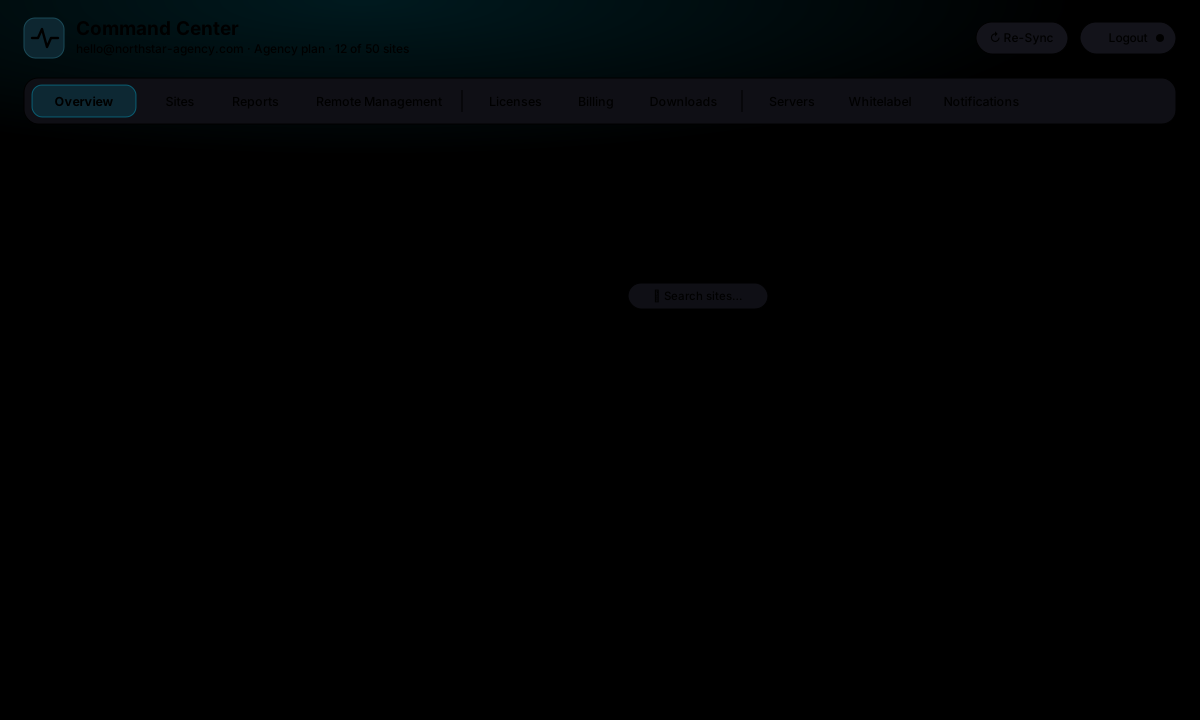
Command Center with sample data. Take the 60-second feature tour
See Every Feature Before You Buy
Twelve short scenes from the Command Center: what you see, what gets caught, what gets fixed, and what you send to clients. No signup needed.
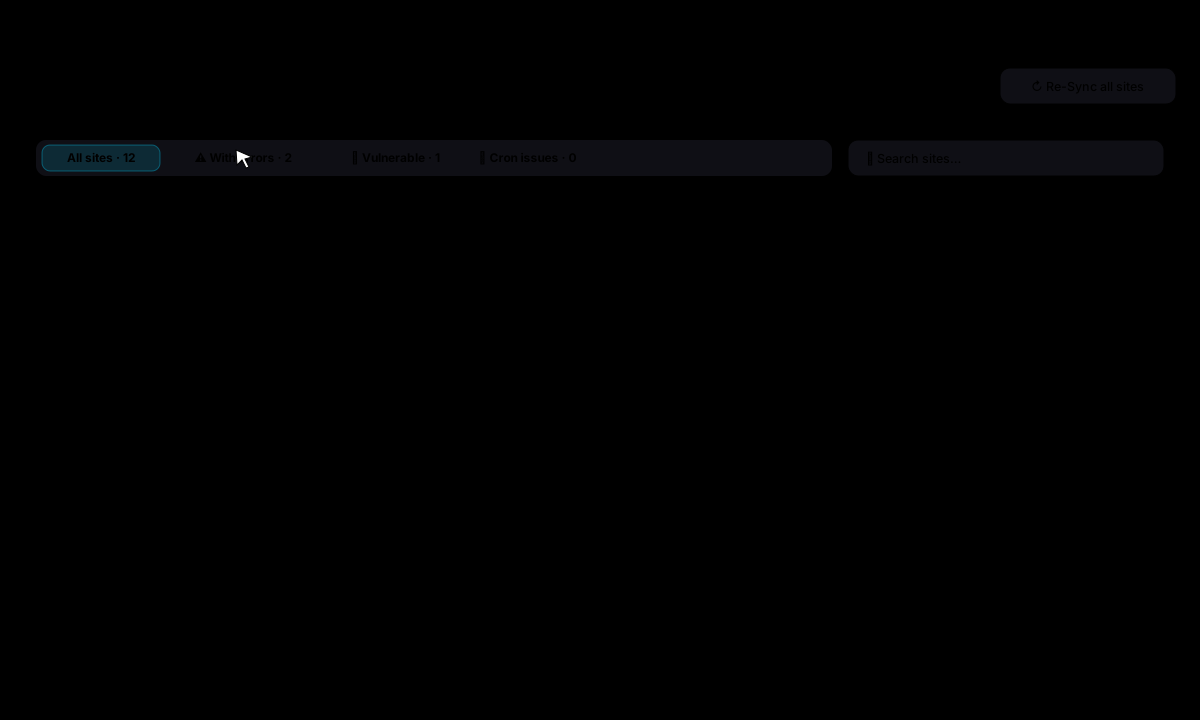
Stop logging into a dozen wp-admin panels. Triage every client site in seconds.
- Health score, PageSpeed, open issues and last sync for each site
- One-click filters: with errors, vulnerable, cron failing
- Search, bulk re-sync and grouping by your own servers
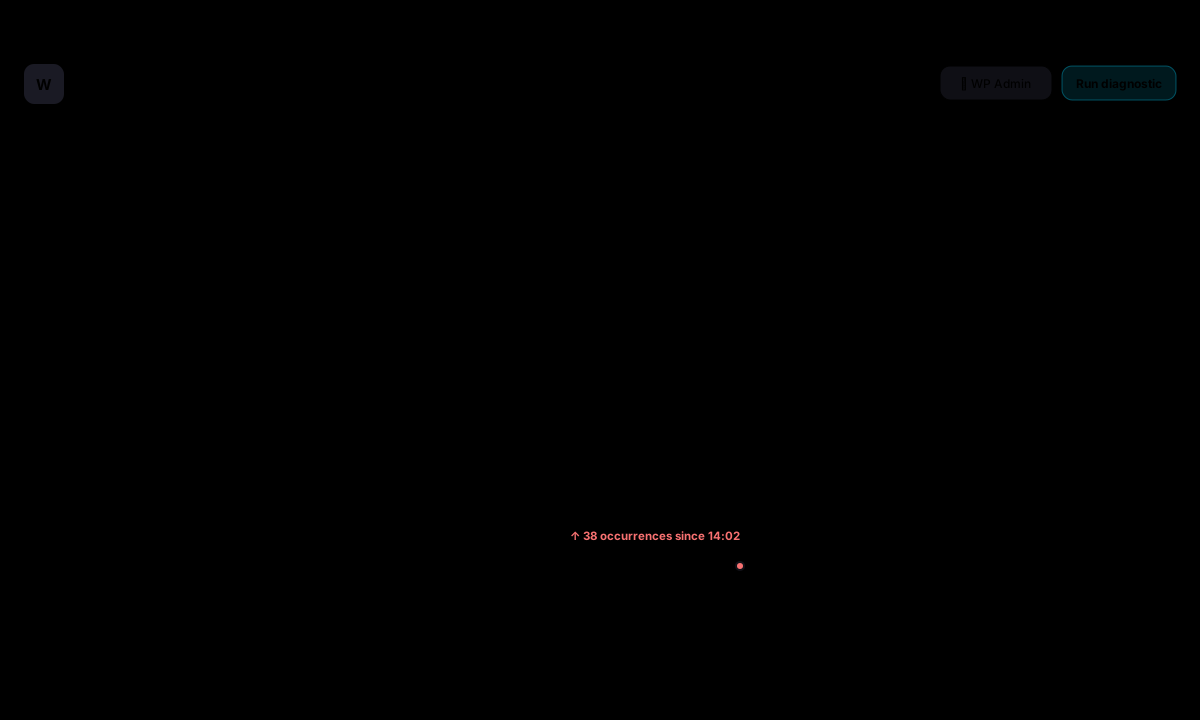
A fatal error becomes one Slack message and one email, not 38 duplicate pings.
- Current errors with file, line and occurrence count
- Email and Slack alerts, deduplicated and rate-limited
- Daily summary digest for the whole portfolio

Know which plugin is vulnerable, on which site, and fix it with one safe update.
- Advisories matched against the versions each site runs
- wp-admin login exposure checked from the internet every 2 days
- Outdated PHP and WordPress flagged with guidance for the host

See a broken layout or a missing button before a visitor reports it.
- Every 3 hours to weekly, up to 50 pages per site, full-page capture
- Ignore cookie banners, chat widgets and other dynamic content
- Approve a change as the new baseline in one click

See the drop, the day it happened and the plugin update that caused it.
- Scheduled Google PageSpeed runs stored per site
- Score Guard alerts when a score falls below your threshold
- Date comparison and trend arrows on the Sites list
Know which plugin, hook or query is slow and exactly what to do about it, ranked by impact.
- Health score plus key insights from hooks, queries and HTTP calls
- Effort and impact tags on every recommendation
- Action plan with WP-CLI commands and wp-config tweaks

Thirty-three updates on twelve sites with one click, and a broken one rolled back on its own.
- Update policy per account or site: security only, minor, or every release
- Rollouts: a few sites first, the rest once those went well
- Back up first with UpdraftPlus or BackWPup; roll back a plugin that breaks a page

Update a store plugin at noon without fear: a broken checkout is undone before anyone notices.
- Screenshots of key pages before and after, compared side by side
- Automatic rollback when a page errors; Keep or Undo when it only looks different
- Runs after the backup, with the backup kept for a manual restore

Never find out a client has no backup on the day they need one.
- Overdue, missing and failed backups alerted by Slack and email
- Presets applied to any site with a supported backup plugin
- Run a backup on all sites as a rollout, a few first

One incident, one message. The daily summary covers the rest.
- Triggers per site: errors, rollbacks, backups, check-ins, slowdowns, visual changes
- Slack channel and email, deduplicated with a cooldown
- Daily summary at the time you choose; monthly client reports
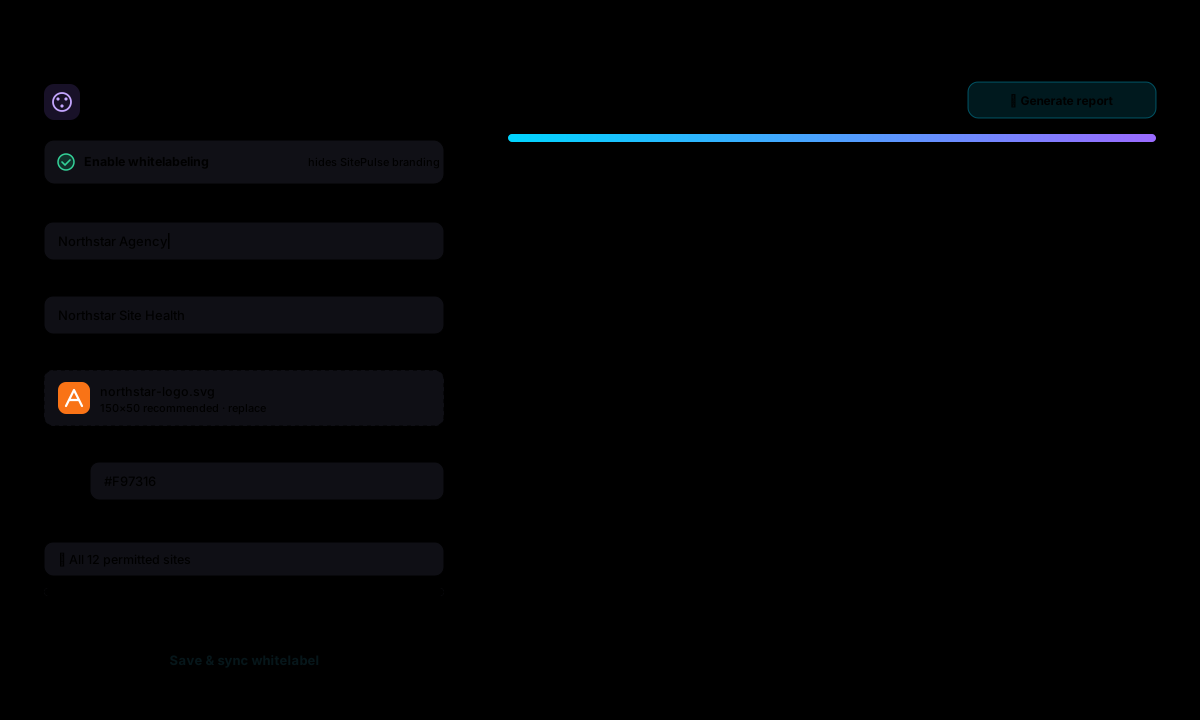
Send a branded monthly report that shows the client what you fixed.
- Whitelabel applied to all permitted sites in one sync
- Branded performance PDF generated from the dashboard
- Recent reports listed with download and regenerate
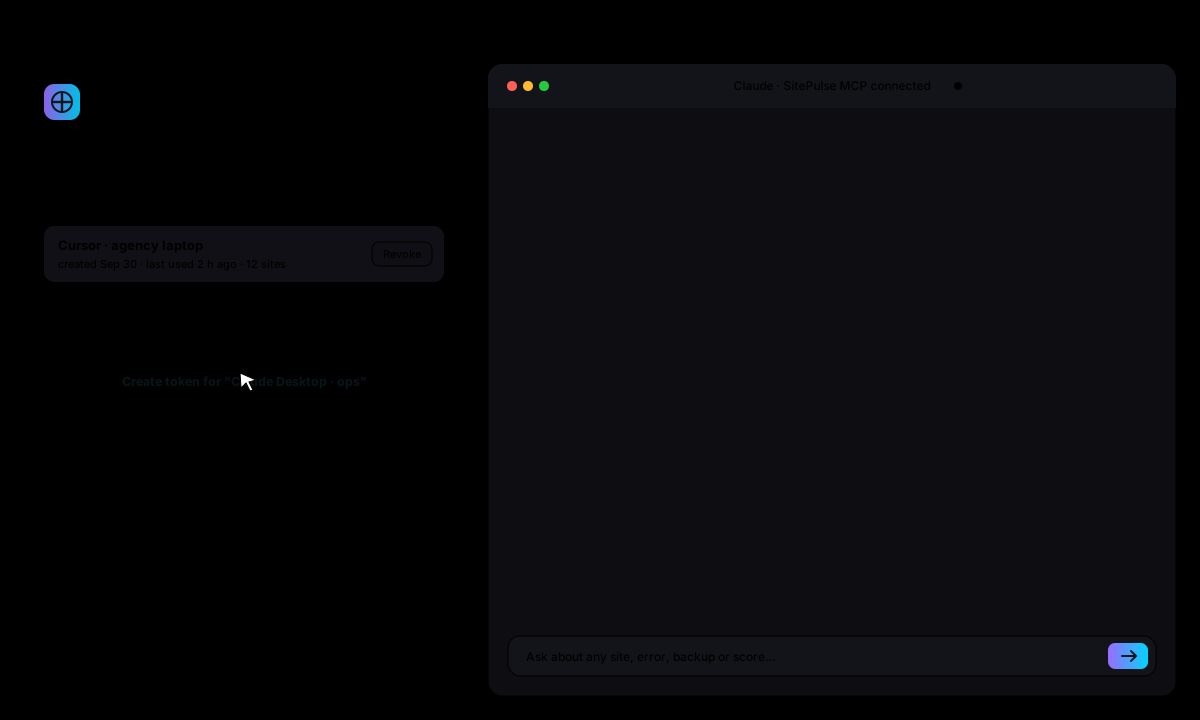
Ask "which client sites need attention today?" and get the answer with the sites and the fix.
- Model Context Protocol token shown once, revocable any time
- Reads sites, errors, backups, updates, scores and AI reports
- Works with Claude, ChatGPT, Cursor and any MCP client
Scenes use sample data. Your dashboard shows your own sites the moment the first one syncs.
Agencies & Developers Trust SitePulse
From freelancers to full-service agencies - see what teams say about managing every WordPress install from one dashboard.
"SitePulse has helped us optimize and resolve issues on over 100 Wordpress installations. Highly recommended!"

Andy Boren
AB Web LLC, owner
"The AI diagnostics are shockingly accurate. It flagged a database query issue our team had been chasing for days and suggested the exact fix."
Pagory Schaper
Lead Developer, SaaS Startup
Built for Teams Managing Multiple Sites
SitePulse Pro isn't another performance plugin. It's the dashboard that brings every site under one roof.
Multi-Site Command Center
See every client site's health, speed, errors, and vulnerabilities in one unified dashboard. No more logging into 12 wp-admin panels.
AI-Powered Diagnostics
Per-site health scores, priority recommendations, and suggested fixes generated by AI that understands your WordPress stack.
White-Label Reports
Brand the dashboard with your agency's logo, colors, and plugin name. Deliver client-facing performance reports under your own brand.
Real-Time Alerts
Get notified about errors, vulnerabilities, and performance drops before your clients notice. Stay ahead of every issue.
Three Steps to Full Visibility
From install to useful visibility in minutes, with guided setup for local monitoring and optional cloud diagnostics.
Install SitePulse Pro
Upload the Pro plugin to each WordPress site. Activate and enter your license key.
Connect to Center
After you connect it, each Pro install securely syncs documented diagnostics to your SitePulse Center dashboard at sitepulse.me.
Manage Everything
Monitor health scores, fix issues, run scans, and export reports all from one screen.
Your WordPress Command Center
Real-time performance visibility with zero configuration.
Everything You Need to Optimize Performance
The free plugin gives you powerful single-site diagnostics. Pro unlocks the command center and depth.
Real-Time Dashboard
FreeLive metrics on load time, memory, and queries inside wp-admin
Plugin Profiler
FreeIdentify likely high-impact plugins with execution timing
API Monitoring
FreeTrack WordPress HTTP API request timing and response status
Error Tracking
FreeCatch PHP errors and warnings before your users do
AI Diagnostics
Free + ProBasic queued recommendations in Free - deeper step-by-step guidance in Pro
Center Dashboard
DashboardMulti-site command center at sitepulse.me - the Pro unlock
SQL Query Monitor
ProDeep database query analysis and optimization insights
Historical Trends
Free + ProBasic local trends in Free - expanded history and comparisons in Pro
Security Scans
Free + ProMonthly queued checks in Free - cross-site visibility in Pro
PDF Reports
ProExport branded performance reports for client presentations
White-Label
DashboardCustom branding, logos, and accent colors for your agency
PageSpeed Scores
Free + ProMonthly desktop checks in Free - full desktop and mobile reports in Pro
They tell you a site is down. SitePulse tells you why.
Keep your updates and backups workflow if you like it. Add SitePulse for the part the others skip: which plugin, query or PHP error is hurting each client site, an AI action plan, and an update that undoes itself when it breaks a page.
Questions Agencies Ask Before Buying
More questions? Read the full FAQ or ask us directly.
Seven tools in the project workflow
A compact evidence board for the tools configured in the project workflow. Findings are reviewed as part of the release process.
-

PHP_CodeSniffer
WordPress Security Sniffs
WPCS reports escaping, nonce verification, prepared SQL, and direct database access issues.
Learn more (opens in a new tab) -

PHPStan
Type Safety Analysis
Static analysis at level 5 reports undefined methods, wrong argument types, and dead code.
Learn more (opens in a new tab) -

Psalm
Taint Analysis
Tracks user input from entry to output. Flags XSS, SQLi, SSRF, command injection paths.
Learn more (opens in a new tab) -

Composer Audit
Dependency CVEs
Composer dependencies are checked early in the automated workflow for known vulnerabilities.
Learn more (opens in a new tab) -

Snyk
Open Source + Code SAST
When configured, scans transitive dependencies and our code for security issues.
Learn more (opens in a new tab) -

Aikido Security
SAST + Dependency
When configured, combines SAST and dependency findings for security review.
Learn more (opens in a new tab)
Ready to Take Control of Every Site You Manage?
Start a 14-day full-access trial. Founders requires no card; other plans require a card and send a reminder before billing.
Get Performance Tips & Updates
Subscribe to receive technical guides, diagnostic strategies, and early notifications on new feature rollouts.
No spam, ever. Unsubscribe at any time.