Every client site's errors, speed and vulnerabilities on one screen
Monitor, diagnose, fix and report for every WordPress site you manage. The free plugin covers one site; Pro adds the Command Center, updates, backups and alerts.
Explore SitePulse in Action
Click the tabs below to preview the tools developers use to optimize their WordPress stack.
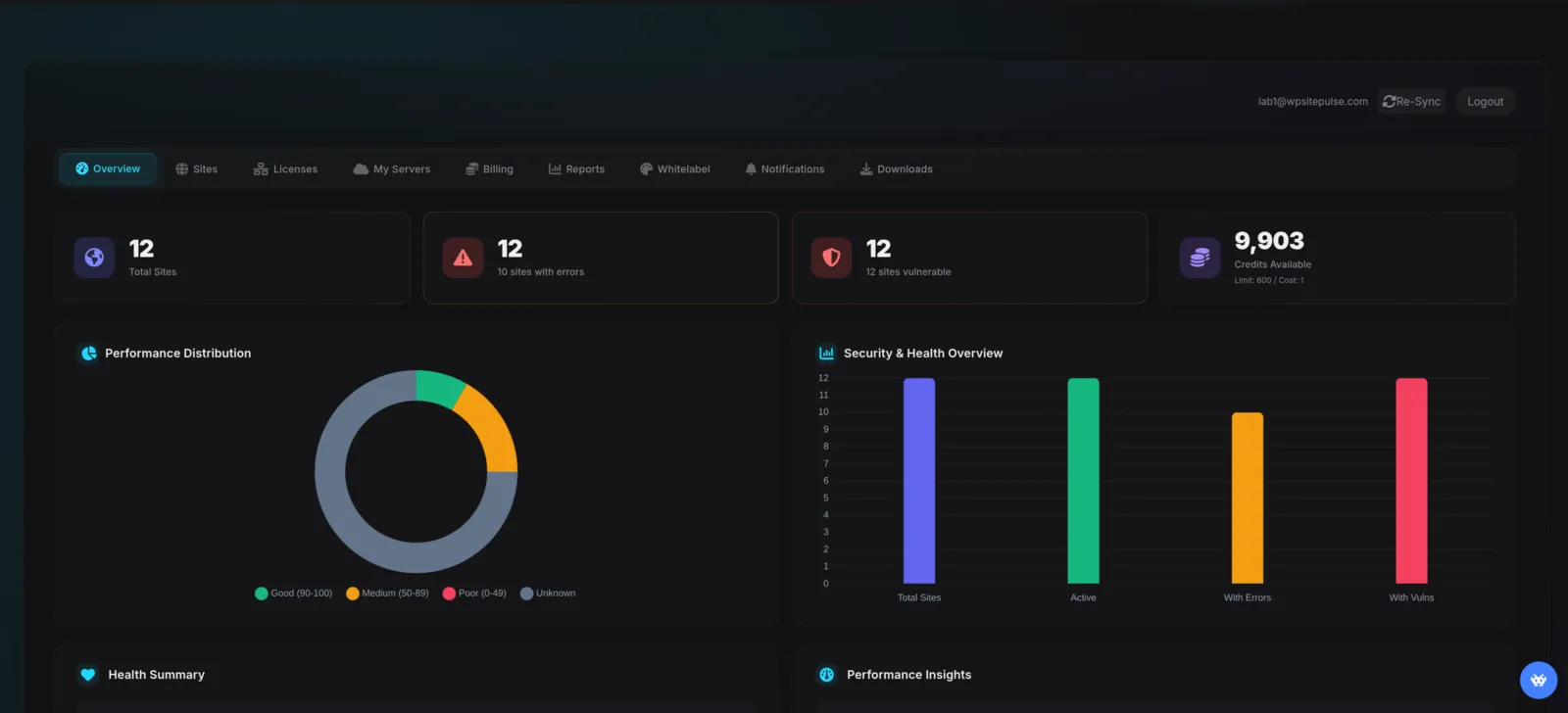
Real-Time Performance Dashboard
Get an instant overview of your site's health, database performance, and load times.
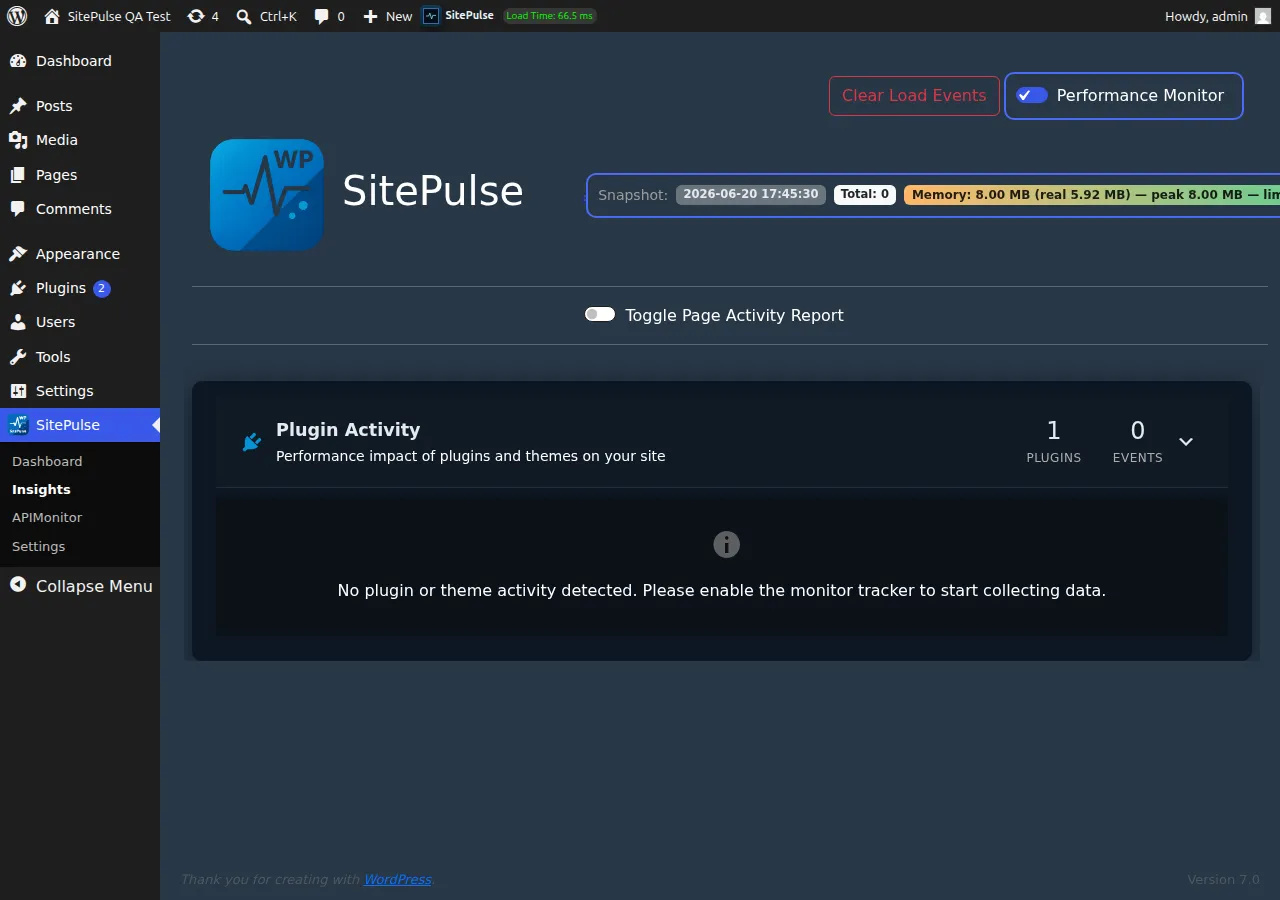
Pinpoint Slow Plugins
Measure how much load time each active plugin adds to your pages and identify likely quick wins.
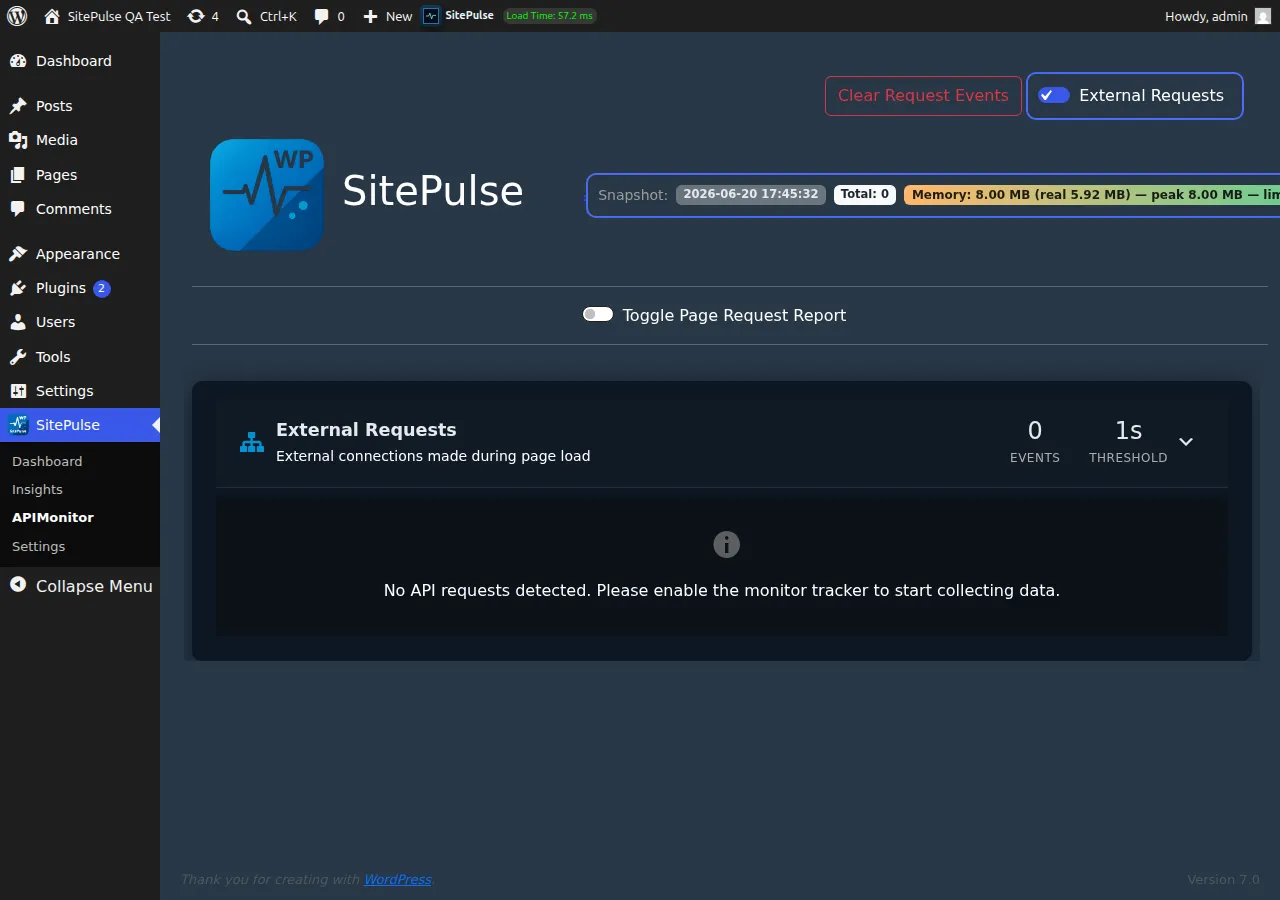
Track External Request Performance
Monitor external API calls, identify failures or timeouts, and isolate third-party bottlenecks.
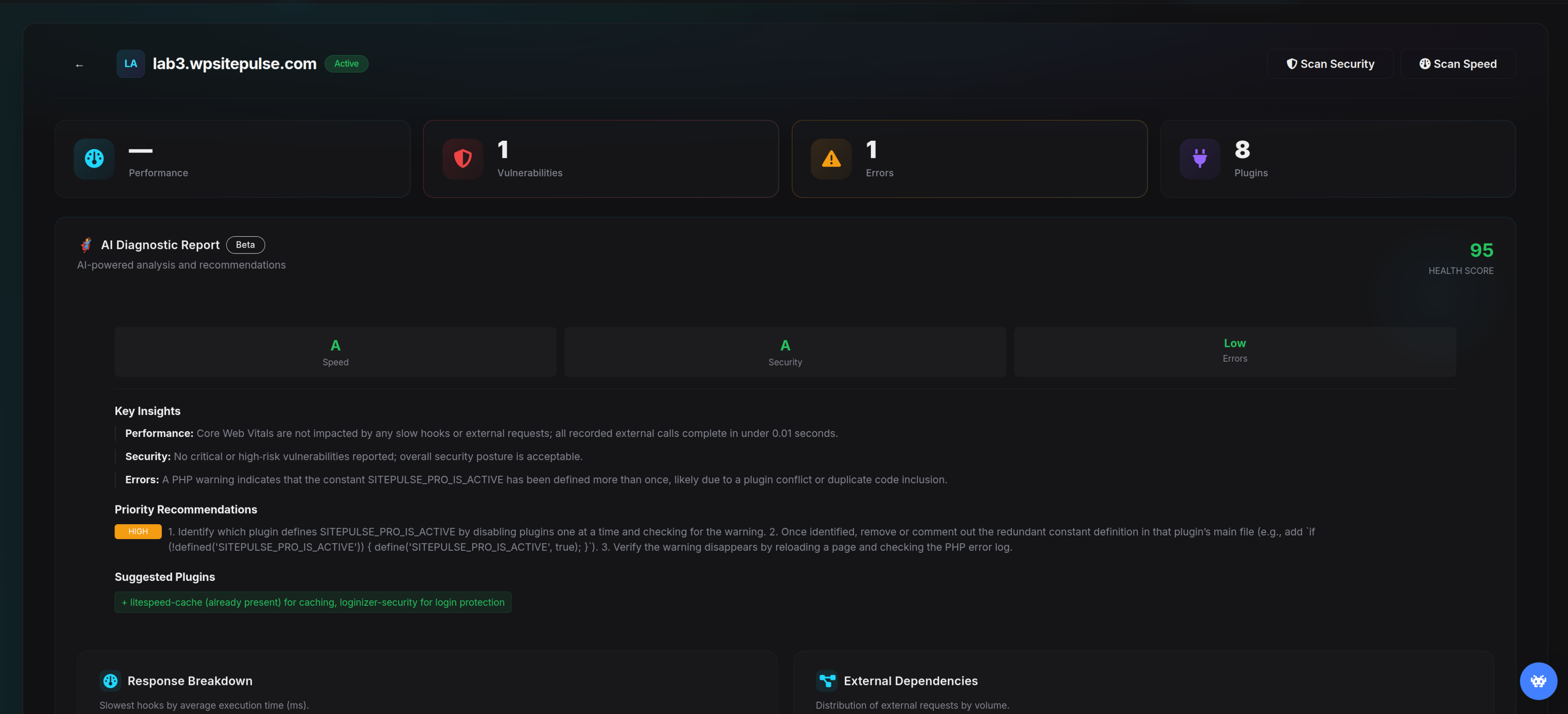
AI-Powered Speed Recommendations
Free offers basic queued recommendations - Pro adds deeper step-by-step guidance for slow queries and performance issues.
Score Guard & Vulnerability Scans
Run basic queued vulnerability and PageSpeed checks in Free - unlock full reporting, mobile scans, and Score Guard in Pro.
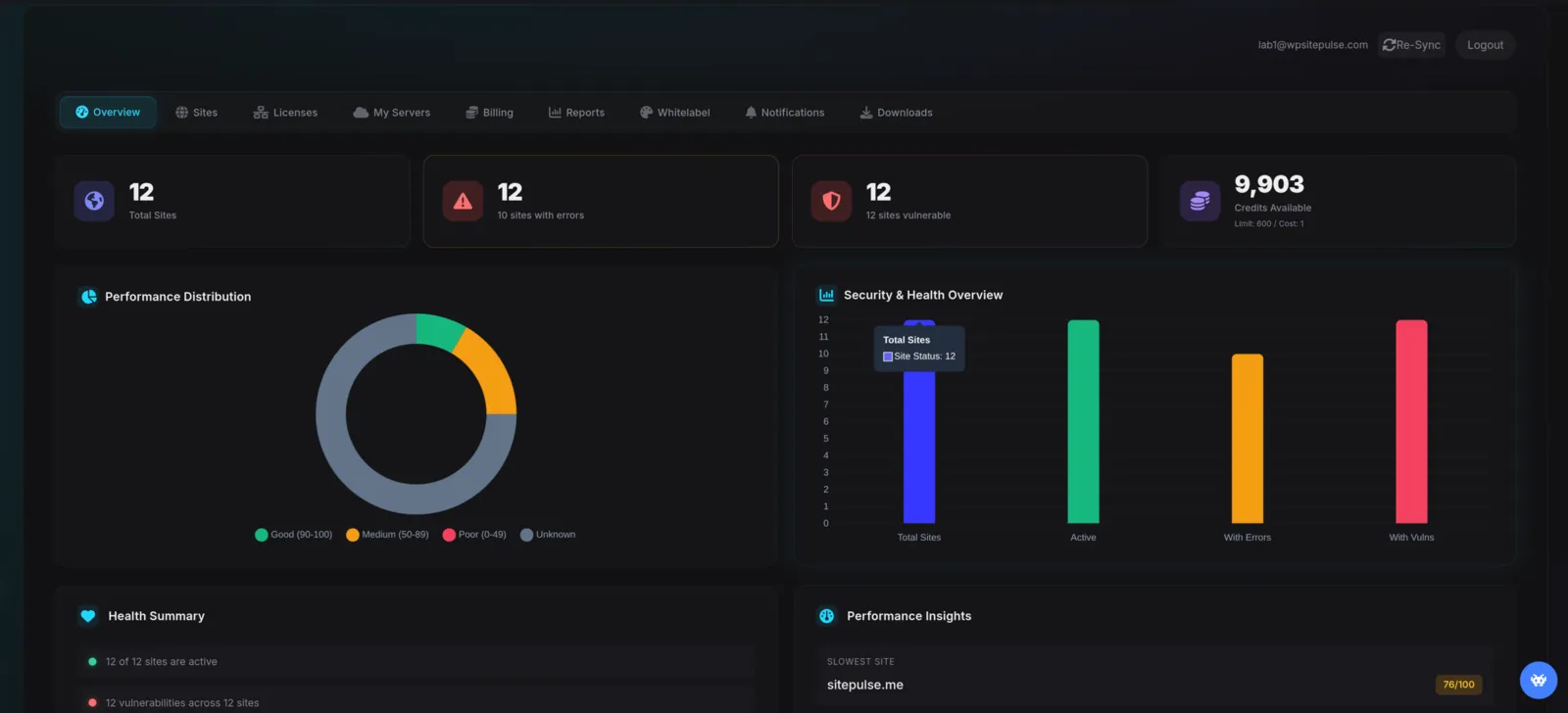
See Every Feature Before You Buy
Twelve short scenes from the Command Center: what you see, what gets caught, what gets fixed, and what you send to clients. No signup needed.
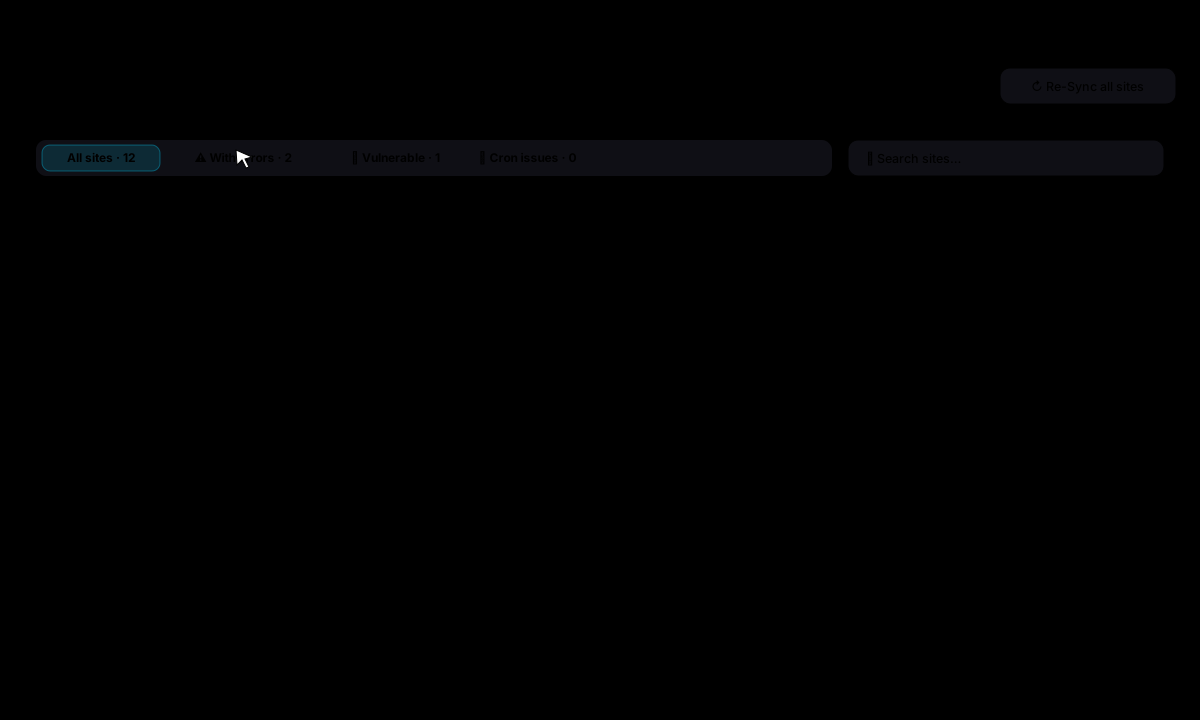
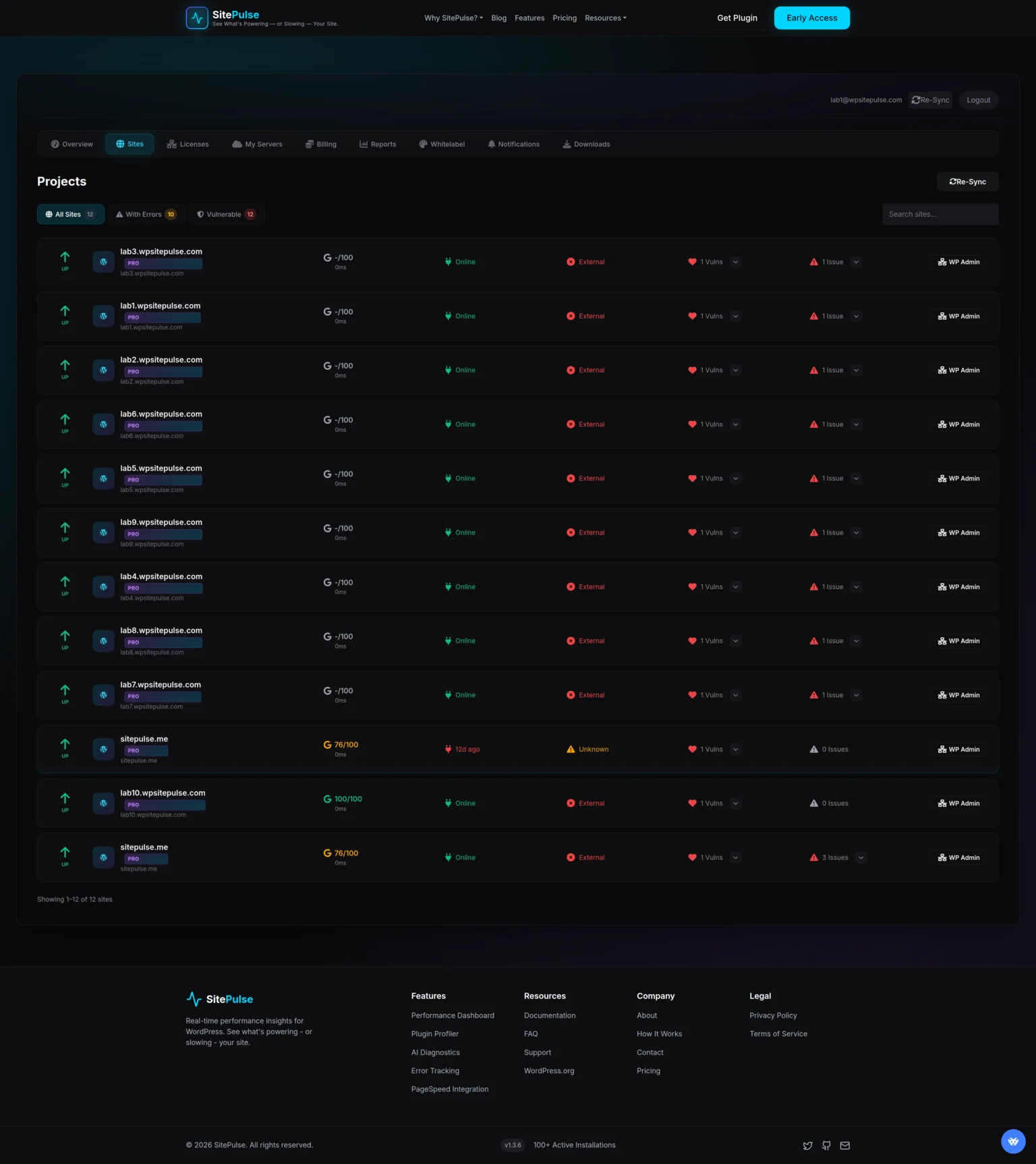
Stop logging into a dozen wp-admin panels. Triage every client site in seconds.
- Health score, PageSpeed, open issues and last sync for each site
- One-click filters: with errors, vulnerable, cron failing
- Search, bulk re-sync and grouping by your own servers
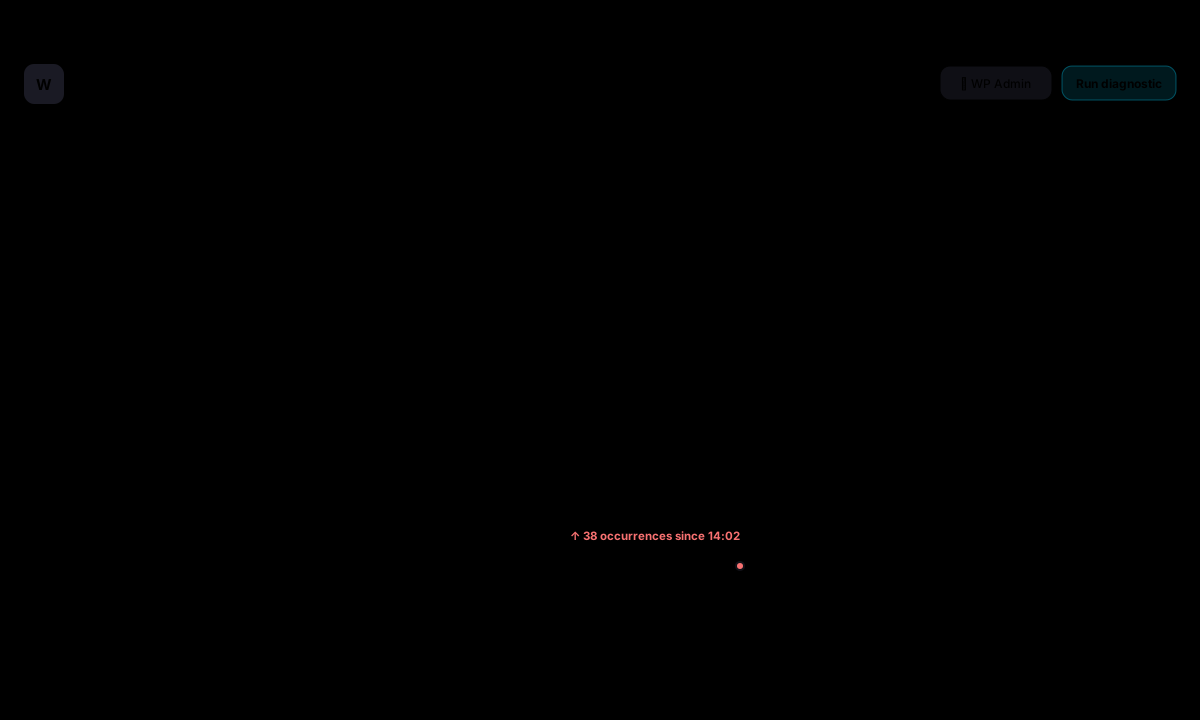
A fatal error becomes one Slack message and one email, not 38 duplicate pings.
- Current errors with file, line and occurrence count
- Email and Slack alerts, deduplicated and rate-limited
- Daily summary digest for the whole portfolio

Know which plugin is vulnerable, on which site, and fix it with one safe update.
- Advisories matched against the versions each site runs
- wp-admin login exposure checked from the internet every 2 days
- Outdated PHP and WordPress flagged with guidance for the host

See a broken layout or a missing button before a visitor reports it.
- Every 3 hours to weekly, up to 50 pages per site, full-page capture
- Ignore cookie banners, chat widgets and other dynamic content
- Approve a change as the new baseline in one click

See the drop, the day it happened and the plugin update that caused it.
- Scheduled Google PageSpeed runs stored per site
- Score Guard alerts when a score falls below your threshold
- Date comparison and trend arrows on the Sites list
Know which plugin, hook or query is slow and exactly what to do about it, ranked by impact.
- Health score plus key insights from hooks, queries and HTTP calls
- Effort and impact tags on every recommendation
- Action plan with WP-CLI commands and wp-config tweaks

Thirty-three updates on twelve sites with one click, and a broken one rolled back on its own.
- Update policy per account or site: security only, minor, or every release
- Rollouts: a few sites first, the rest once those went well
- Back up first with UpdraftPlus or BackWPup; roll back a plugin that breaks a page
Update a store plugin at noon without fear: a broken checkout is undone before anyone notices.
- Screenshots of key pages before and after, compared side by side
- Automatic rollback when a page errors; Keep or Undo when it only looks different
- Runs after the backup, with the backup kept for a manual restore

Never find out a client has no backup on the day they need one.
- Overdue, missing and failed backups alerted by Slack and email
- Presets applied to any site with a supported backup plugin
- Run a backup on all sites as a rollout, a few first

One incident, one message. The daily summary covers the rest.
- Triggers per site: errors, rollbacks, backups, check-ins, slowdowns, visual changes
- Slack channel and email, deduplicated with a cooldown
- Daily summary at the time you choose; monthly client reports
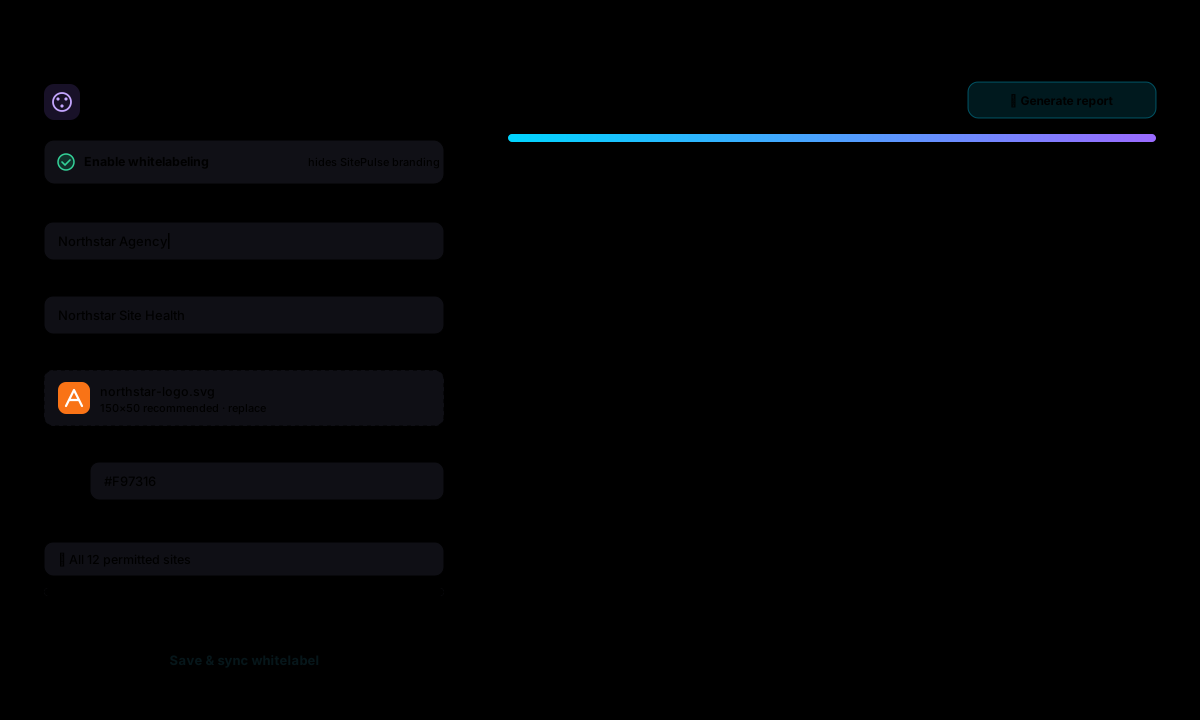
Send a branded monthly report that shows the client what you fixed.
- Whitelabel applied to all permitted sites in one sync
- Branded performance PDF generated from the dashboard
- Recent reports listed with download and regenerate
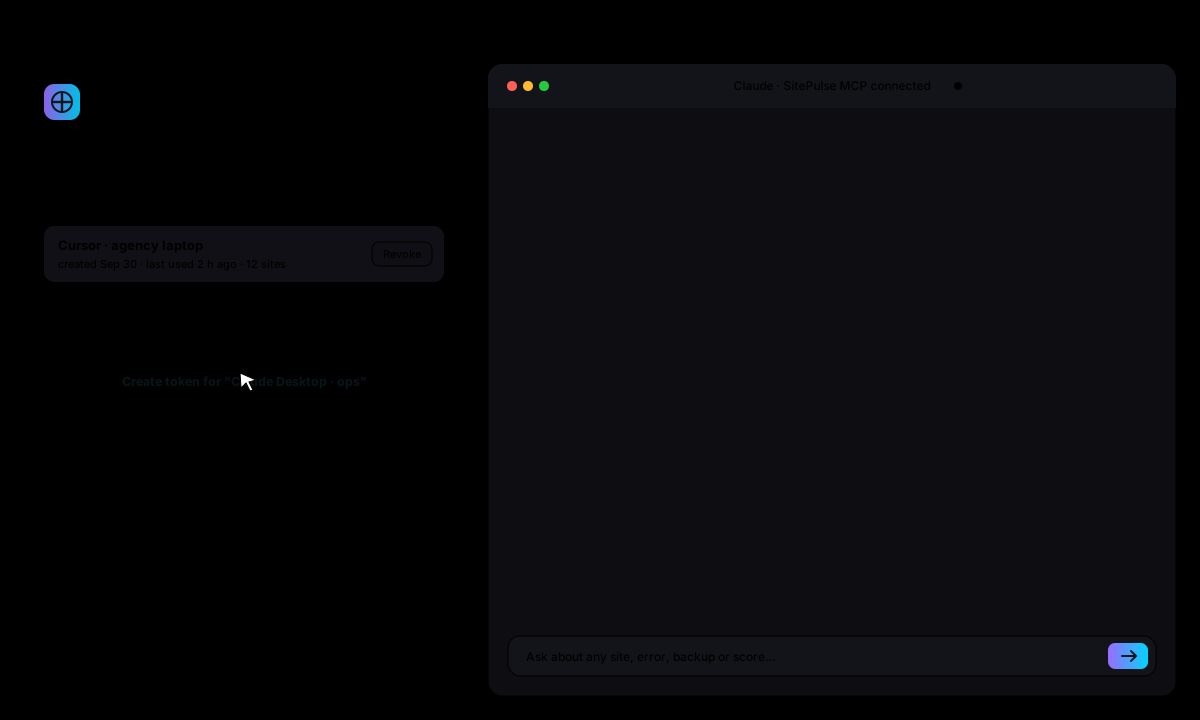
Ask "which client sites need attention today?" and get the answer with the sites and the fix.
- Model Context Protocol token shown once, revocable any time
- Reads sites, errors, backups, updates, scores and AI reports
- Works with Claude, ChatGPT, Cursor and any MCP client
Scenes use sample data. Your dashboard shows your own sites the moment the first one syncs.
Performance Dashboard
Real-Time Metrics
Live updates on page load times, memory usage, and database queries as they happen.
Historical Trends
Track performance changes over time with beautiful, interactive charts.
Response Time Breakdown
See exactly where time is spent: PHP, database, external calls, and more.
Health Score
Get an overall performance grade based on multiple metrics.
Plugin Profiler
Impact Analysis
See how much load time each plugin adds to your pages.
Hook Tracking
Monitor which hooks plugins are using and their execution time.
Quick Wins
Get suggestions for plugins that could be deactivated or replaced.
Per-Page Analysis
See which plugins load on each individual page and their impact.
Know Exactly Which Plugins Slow You Down
See execution time for every plugin on your site including hooks, database queries, and external API calls. No more guessing which plugin is the bottleneck.
- Per-plugin execution timing with stack traces
- Hook-level analysis (actions & filters)
- External HTTP request tracking per plugin
API Monitoring
External Request Tracking
Monitor requests made through the WordPress HTTP API.
Response Time Analysis
Identify slow third-party APIs affecting your performance.
Failure Detection
Get notified when external API calls fail or timeout.
Request Logging
Detailed logs of all external communications for debugging.
Error Tracking
PHP Error Capture
Catch errors, warnings, and notices before they affect users.
Per-Plugin Attribution
See which plugins generate the most errors, warnings, and notices.
Stack Traces
Detailed stack traces to quickly identify error origins.
Fatal Error Alerts
Free + ProFree can email supported fatal errors - Pro adds centralized scheduled alerts.
PageSpeed & Security
Core Web Vitals
Free + ProTrack LCP, INP, and CLS - basic results in Free and complete reporting in Pro.
Lighthouse Integration
Free + ProMonthly queued desktop checks in Free - full desktop and mobile reports in Pro.
Vulnerability Scanning
Free + ProMonthly queued single-site checks in Free - cross-site visibility in Pro.
PageSpeed History
ProReview complete PageSpeed reports for the history period included with your Pro plan.
Score Guard
ProPro compares scheduled PageSpeed results and alerts you when a score drop is detected.
SitePulse Center Console
Pro subscribers get complete access to our centralized management platform. Inspect client diagnostic reports, manage alerts, track keys, and update billing in one console.
See it on your own client sites
14-day full-access trial. Founders needs no card; other plans remind you before billing.